DENTIDESK1.03
Publisher Description
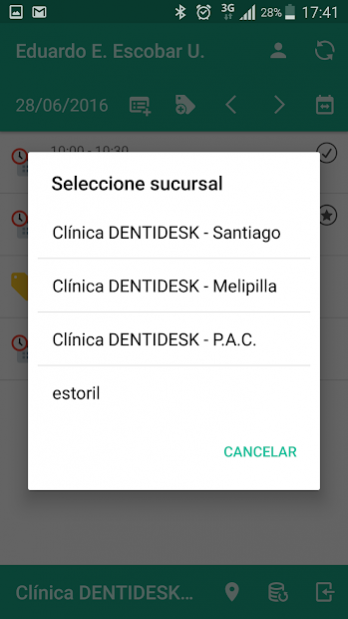
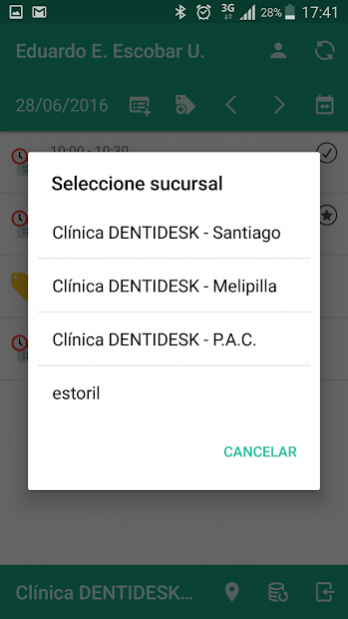
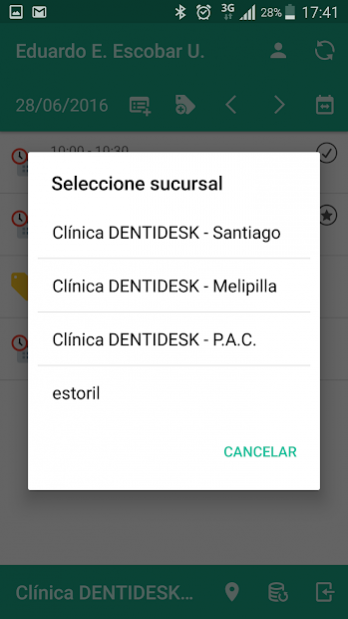
DENTIDESK is service solution offered over the Internet that allows dentists to manage their dental practices.
DENTIDESK was born from the need for a tool that facilitates the work of dentists, allowing them to manage their patients in an efficient, easy and convenient way, as well as giving them more time to give high quality healthcare to their patients. DENTIDESK keeps information secure and centralized, by establishing communication with patients through emails and reminders.
DENTIDESK was built by engineers and designed in conjunction with dentists who did not have a satisfactory solution to their needs, as using Google Calendar, Excel and e-mails is not sustainable over time as it is a waste of time and sensitive information. Today there are other software solutions in the market, which are not suitable for all dentists because they often require an initial investment in hardware installation or long training and/or customization.
About DENTIDESK
The company that develops DENTIDESK is DENTIDESK. The latest version released by its developer is 1.03. This app was rated by 1 users of our site and has an average rating of 3.0.
To install DENTIDESK on your Android device, just click the green Continue To App button above to start the installation process. The app is listed on our website since 2018-03-19 and was downloaded 68 times. We have already checked if the download link is safe, however for your own protection we recommend that you scan the downloaded app with your antivirus. Your antivirus may detect the DENTIDESK as malware as malware if the download link to com.dentidesk.dentidesk is broken.
How to install DENTIDESK on your Android device:
- Click on the Continue To App button on our website. This will redirect you to Google Play.
- Once the DENTIDESK is shown in the Google Play listing of your Android device, you can start its download and installation. Tap on the Install button located below the search bar and to the right of the app icon.
- A pop-up window with the permissions required by DENTIDESK will be shown. Click on Accept to continue the process.
- DENTIDESK will be downloaded onto your device, displaying a progress. Once the download completes, the installation will start and you'll get a notification after the installation is finished.
Program Details
System requirements
Download information
Pricing
Version History
version 1.03
posted on 2018-03-19
Fix some problems loading pacients.
version 1.01
posted on 2016-09-05
Se corrigen diversos problemas de configuración
